Run the Framework Control & CCI Report
This report allows you to list all controls and their corresponding CCIs for the framework and level specified. And then click the control or CCI to see all other frameworks that reference that control or CCI respectively.
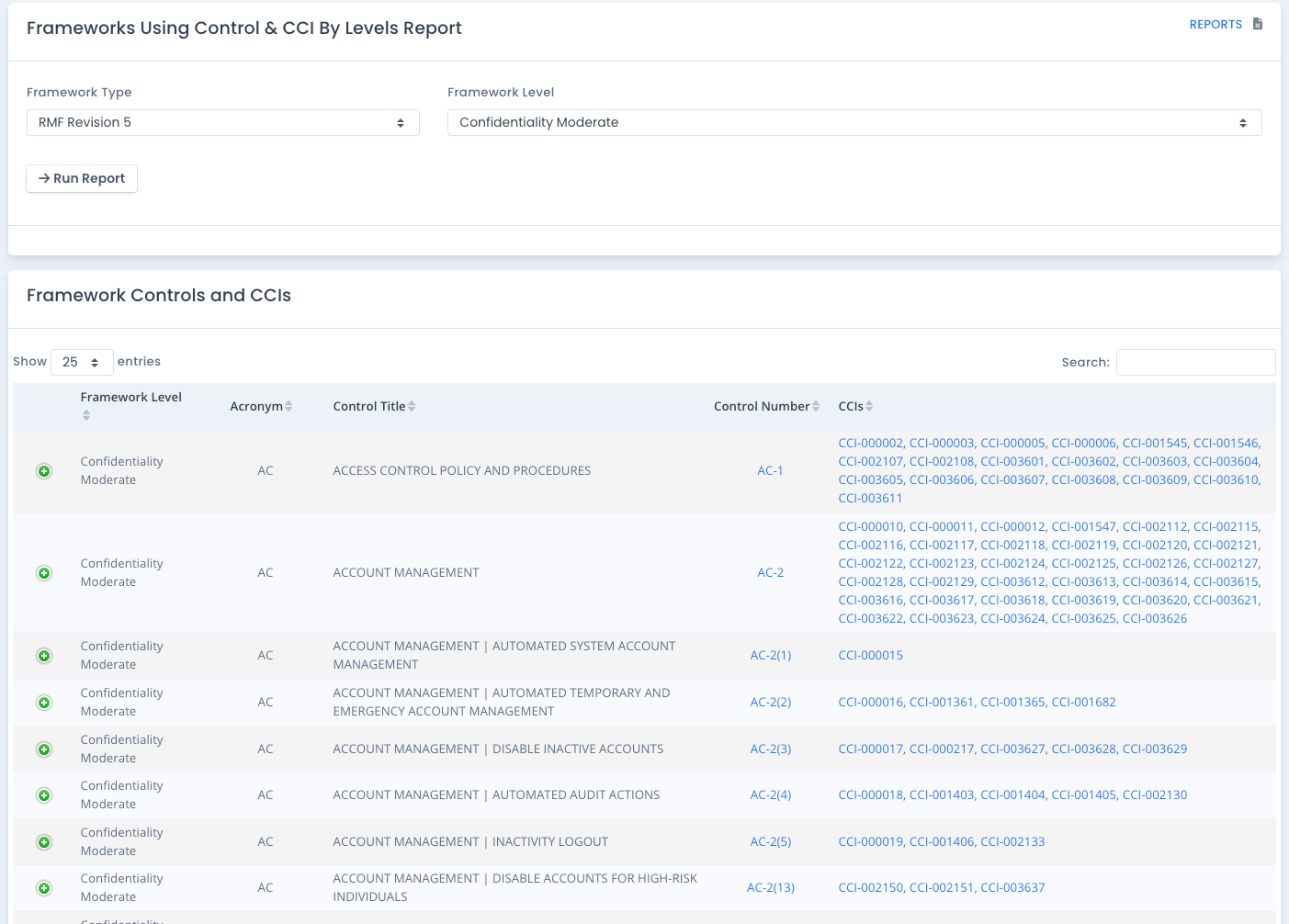
You can click the Control for detailed Control information.
You can click the CCI for detailed CCI information.
Where the Data Comes From
This data comes from the framework / control / CCI listing for all frameworks and framework levels (if any) in your installation. Some of these may be default framework / control / CCI listings. Others may be some you created or uploaded.
This includes default loaded NIST 800-53 data to show additional controls and CCIs that do not align to a default RMF, FedRAMP or StateRAMPTM level.
Why Run this Report
This report just shows you what controls and CCI groupings are in the various groups of frameworks for research and review. And it shows a crosswalk of the controls and CCIs to other frameworks as well.